How to Operate Binance Coin (BNB) and MEXC Exchange: A Complete Step-by-Step Guide

Cryptocurrency trading has grown rapidly, and two of the most frequently mentioned names in the space are Binance Coin (BNB) and MEXC Exchange. While Binance Coin is a native asset of the Binance ecosystem, MEXC is a separate centralized exchange that supports a wide variety of tokens, including BNB. Many users seek to understand how to operate on MEXC when using Binance Coin, whether for trading, staking, or transferring funds. This guide provides a clear, step-by-step breakdown of the most common operations involving Binance Coin on the MEXC platform.
First, it helps to understand what Binance Coin is and why it matters on MEXC. BNB was originally launched on the Ethereum blockchain before migrating to the Binance Chain and later the BNB Smart Chain. It is primarily used to pay for trading fees on Binance, participate in token sales, and power decentralized applications. However, because BNB is widely accepted, it is also listed on many other exchanges, including MEXC. On MEXC, BNB can be deposited, traded against other cryptocurrencies, and used for margin trading or futures contracts. Before you begin any operation, you must create a verified MEXC account and ensure two-factor authentication (2FA) is enabled for security.
The first operation is depositing Binance Coin into your MEXC wallet. To do this, log into your MEXC account and navigate to the "Assets" or "Wallet" section. Select "Deposit" and search for BNB. MEXC will provide you with a deposit address. Extremely important: ensure you select the correct network. BNB exists on several networks, including BNB Smart Chain (BEP20), BNB Beacon Chain (BEP2), and even Ethereum (ERC20). If you send BNB from a Binance wallet or another exchange, you must choose the same network on both sides. Sending BEP20 tokens to a BEP2 address, or vice versa, will result in lost funds. Once you copy the correct address and network, initiate the transfer from your source. The deposit usually takes a few minutes to confirm, depending on network congestion.
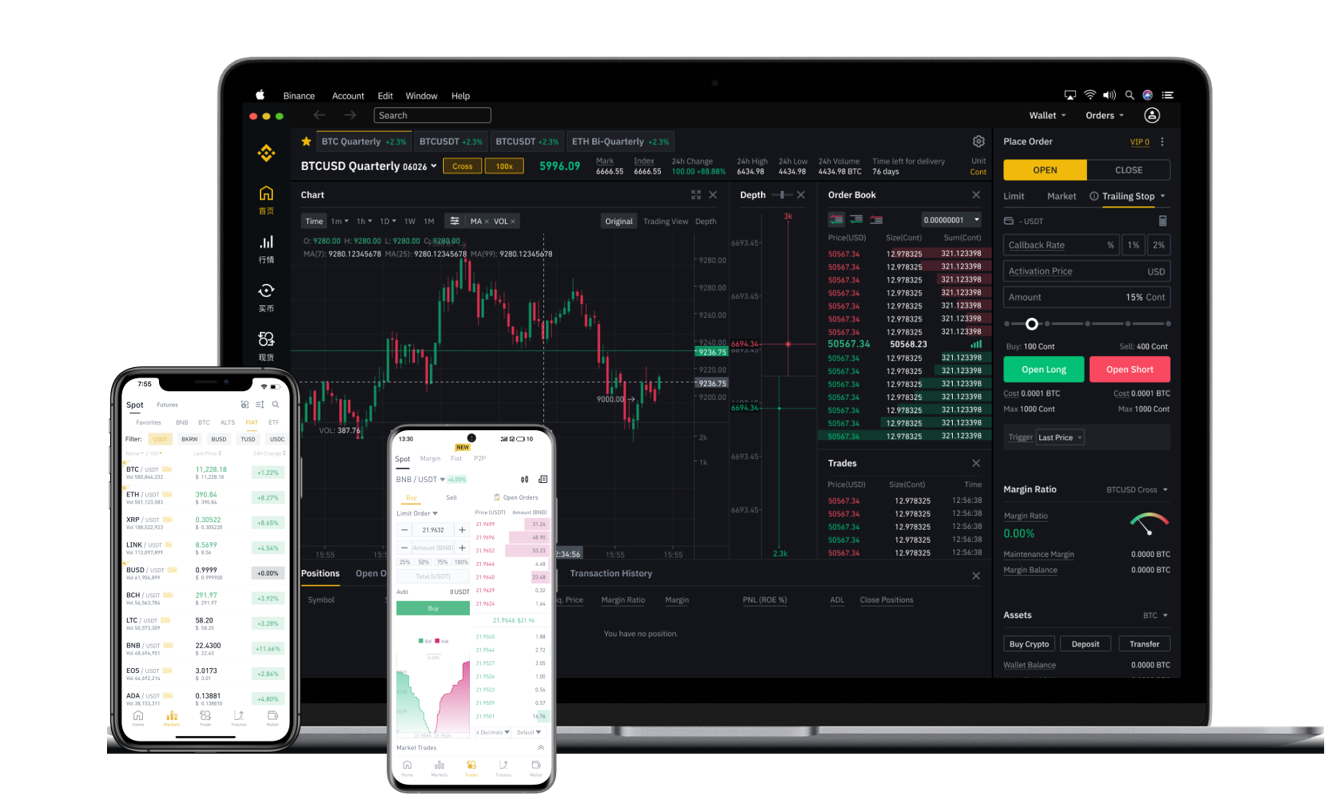
After your BNB is deposited, you can trade it. Go to the "Exchange" section on MEXC and select the trading pair you want, such as BNB/USDT. Here you will see a price chart, order book, and trading panel. You can place a market order to buy or sell BNB immediately at the current price, or a limit order to set a specific price at which you want the trade to execute. For example, if you want to sell BNB for USDT, you enter the amount of BNB you wish to sell and confirm the order. All trading fees on MEXC are paid from your available balance. Note that MEXC does not offer the fee discount that Binance provides for holding BNB, so your fee rate depends on your VIP level on MEXC.
Beyond simple spot trading, MEXC also allows you to use Binance Coin in margin trading and futures. For margin trading, you would transfer BNB to your margin account, then borrow funds to trade larger positions. For futures, BNB can be used as collateral for perpetual contracts. However, these are advanced operations that carry significant risk, especially leverage. Beginners should first master spot trading and practice with small amounts before attempting margin or futures. MEXC also offers a "Copy Trade" feature where you can follow experienced traders, but again, caution is advised.
If you want to withdraw BNB from MEXC to another exchange or wallet, go to "Assets" and select "Withdraw." Enter the recipient address and choose the correct network. Double-check the network details exactly as you did during deposit. MEXC imposes a minimum withdrawal amount and charges a network fee (gas fee) for each withdrawal. The fee varies by network: for example, BEP20 withdrawals are usually cheaper than ERC20. Always verify the fee before confirming.
One common question is whether you can stake or earn passive income on BNB directly through MEXC. MEXC has a "MEXC Earn" or "Staking" section where you can lock your BNB for a fixed term (e.g., 30, 60, or 90 days) to earn interest. The Annual Percentage Yield (APY) varies depending on market conditions and the length of the lock-up period. Before staking, read the terms: locked funds cannot be withdrawn early without penalty. Alternatively, you can transfer BNB to a decentralized wallet and stake it on the BNB Smart Chain via a DeFi protocol, but that process is independent of MEXC.
Finally, security and common mistakes. Always confirm that you are on the official MEXC website or app. Phishing sites are common. Never share your API keys or 2FA codes. When depositing or withdrawing BNB, the most frequent error is choosing the wrong network. Always triple-check the network compatibility between the sending and receiving platforms. If you make a mistake, MEXC support may not be able to recover funds sent on an incompatible chain. In summary, operating Binance Coin on MEXC is straightforward once you understand deposits, withdrawals, trading pairs, network choices, and fee structures. By following these steps carefully, you can safely manage your BNB assets on the MEXC exchange.