A Beginner's Guide to Using Binance Exchange: Step-by-Step Instructions for Crypto Trading

Binance, founded by Changpeng Zhao (often referred to as CZ), is currently the world’s largest cryptocurrency exchange by trading volume. Whether you are a newcomer or an experienced trader, understanding how to use the Binance platform effectively is essential. This guide will walk you through the core functions of Binance, from account setup to advanced trading features.
First, you need to create a Binance account. Visit the official Binance website or download the mobile app. Click “Register” and enter your email address or phone number. You will be asked to create a strong password. After registration, Binance requires identity verification (KYC) to unlock higher withdrawal limits and full platform access. This process typically involves uploading a government-issued ID and a selfie for facial verification. Once verified, you can proceed to fund your account.
Depositing funds is straightforward. Go to the “Wallet” section and select “Fiat and Spot.” Click “Deposit” to choose a cryptocurrency or fiat currency. If you are depositing crypto, you will receive a wallet address or QR code. For fiat deposits, Binance supports bank transfers, credit/debit cards, and third-party payment services like Simplex or Banxa. Be aware that fiat deposit fees and processing times vary by region and payment method.
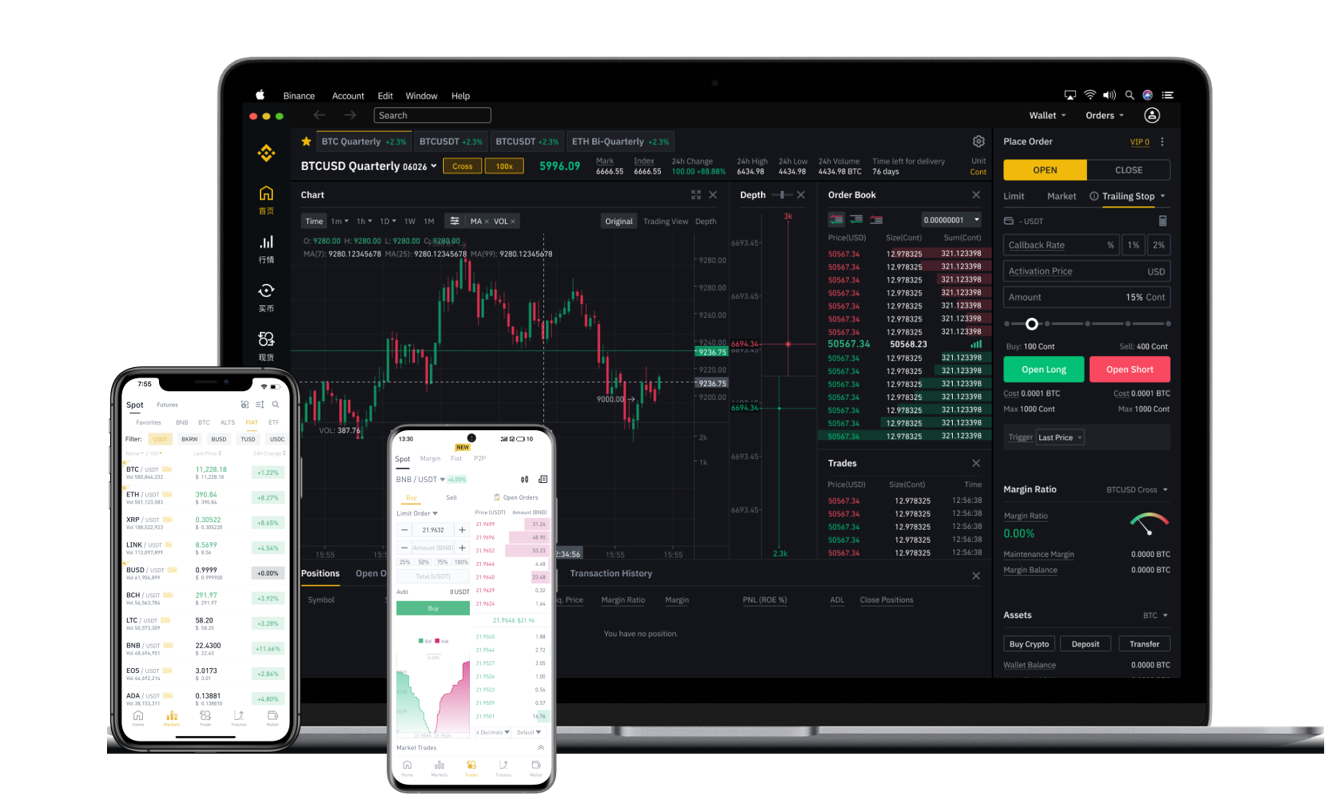
After funding your account, you can start trading. The most common method is spot trading. Navigate to the “Trade” menu and select “Classic” or “Advanced” view. The interface may look complex at first, but it is organized into three key areas: the order book (showing buy and sell orders), the chart (price movements), and the order entry panel (where you place trades). For beginners, the “Classic” view is recommended because it simplifies the layout. You can choose between a market order (buy/sell immediately at current price) or a limit order (set a specific price). Always double-check the trading pair—for example, BTC/USDT means buying Bitcoin using Tether.
Security is critical on Binance. Enable two-factor authentication (2FA) via Google Authenticator or SMS immediately after registration. Binance also offers a “Whitelist Address” feature, which restricts withdrawals to pre-approved wallet addresses. Additionally, the platform provides a “Security” dashboard where you can review active devices and login history. For high-value accounts, consider using the Binance hardware wallet or the “Funds Security” option to lock assets.
Beyond basic trading, Binance offers several advanced features. The “Earn” section allows you to stake cryptocurrencies for passive income, participate in savings accounts, or join liquidity pools. “Futures” and “Margin” trading are available for experienced users seeking leverage, but these carry high risk and are not recommended for beginners. Another useful tool is the “Binance Academy” – a free educational resource that covers blockchain basics, trading strategies, and risk management. If you ever run into issues, the 24/7 customer support can be reached via live chat or email, though response times may vary during high-traffic periods.
In summary, using Binance involves: registering and verifying your identity, depositing funds, learning the trading interface, and activating security measures. While the platform offers hundreds of features, starting with spot trading and gradual exploration of other tools is the safest approach. Always remember that cryptocurrency markets are volatile, so never invest more than you can afford to lose. With proper precautions, Binance can be a powerful gateway into the world of digital assets.