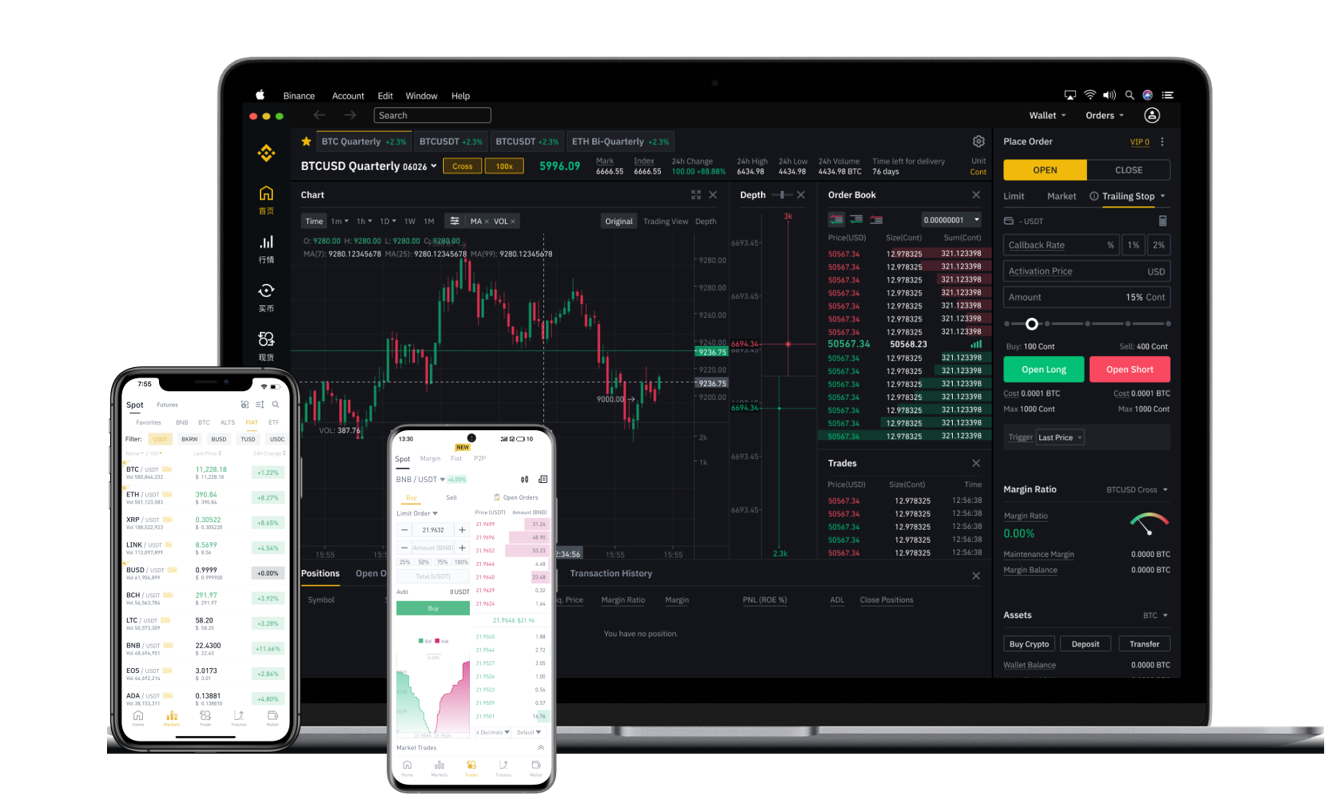
How to Withdraw Funds from Binance Asia Exchange: A Step-by-Step Guide for Secure Crypto Transfers

Withdrawing funds from the Binance Asia exchange is a straightforward process once you understand the platform’s specific rules and security protocols. Whether you are moving cryptocurrencies to a private wallet or converting your assets to local fiat currency, following the correct steps ensures your transaction is safe and efficient. This guide covers the full withdrawal process for Binance Asia, including prerequisites, key security checks, and common troubleshooting tips.
Prerequisites Before You Start a Withdrawal
Before attempting to withdraw from Binance Asia, you must complete two essential steps. First, ensure your account is fully verified with identity documents (KYC) and two-factor authentication (2FA) enabled. The exchange typically requires both email verification and app-based 2FA for withdrawal requests. Second, you should check that you have sufficient balance for both the withdrawal amount and any associated network fees. For fiat withdrawals, linking a bank account or payment method that matches your registered name on the exchange is mandatory.
Step-by-Step Guide: Crypto Withdrawal
1. Log into your Binance Asia account via the official website or mobile app.
2. Navigate to “Wallet” → “Spot Wallet” → “Withdraw.”
3. Select the cryptocurrency you wish to withdraw (e.g., USDT, BTC, or ETH).
4. Enter the recipient wallet address carefully. Double-check for typos, as blockchain transactions are irreversible.
5. Choose the correct network (e.g., ERC-20 for Ethereum-based tokens, BEP-20 for BNB Smart Chain). Using the wrong network can result in permanent loss of funds.
6. Input the withdrawal amount and review the corresponding network fee displayed by the exchange.
7. Complete the security verification: you will need to confirm via email code, authenticator app, and possibly a device verification.
8. Click “Submit” and wait for the system to process. For most cryptocurrencies, this takes a few minutes to several hours depending on network congestion and the exchange’s internal security checks.
Fiat Withdrawal Options on Binance Asia
For users looking to cash out to local currencies, Binance Asia supports bank transfers and third-party payment channels. After logging in, go to the “Fiat and Spot” section and select “Sell” or navigate directly to “Withdraw” under fiat balances. You will need to set a supported fiat currency (e.g., SGD, HKD, IDR, or THB depending on your region). Enter the amount, select your linked bank account, and confirm the withdrawal. Processing times for fiat withdrawals can range from instant (for certain e-wallets) to 1-5 business days for traditional bank wire transfers.
Important Security Tips for Withdrawing from Binance Asia
Always add the withdrawal address to your “Whitelist” if the option is available. This prevents funds from being sent to any unverified address even if your account is compromised. Avoid using public Wi-Fi when performing withdrawals, and never share your 2FA codes or withdrawal confirmation emails with anyone. Additionally, monitor the withdrawal minimums and maximums on Binance Asia, which can vary by cryptocurrency. Withdrawing too small an amount may result in losses due to network fees.
Troubleshooting Common Withdrawal Issues
If your withdrawal is stuck or pending for longer than expected, check the transaction status under “Withdrawal History.” Common reasons for delays include network congestion, an incomplete security review, or an error in the wallet address. In rare cases, if you selected an incompatible network, the funds may be lost. If the Binance Asia system shows the withdrawal as completed but the funds are not in your wallet, verify on the blockchain explorer using the transaction hash (TXID). For persistent problems, contact Binance support through the official help center, but prepare documentation such as screenshots and the TXID.
Conclusion
Withdrawing from Binance Asia is fast and secure when you follow the proper procedures. By double-checking every detail—especially the network selection and wallet address—you can avoid costly mistakes. Whether you are moving crypto to an external wallet or converting into local currency, always prioritize security settings like 2FA and address whitelisting. After a successful withdrawal, the funds usually appear in your external wallet within a few blockchain confirmations. For the latest fee updates and supported assets, refer directly to the official Binance Asia interface, as terms may change over time.