How to Withdraw Grin (GRIN) from Binance After Listing: A Step-by-Step Guide
Following the listing of Grin (GRIN) on Binance, many users are eager to understand the withdrawal process. This guide provides a clear, step-by-step breakdown of how to transfer your GRIN tokens from the Binance exchange to an external wallet. Understanding the specifics of Grin’s transaction structure is essential to avoid errors and ensure your funds arrive safely.
Step 1: Access Your Binance Wallet and Locate GRIN
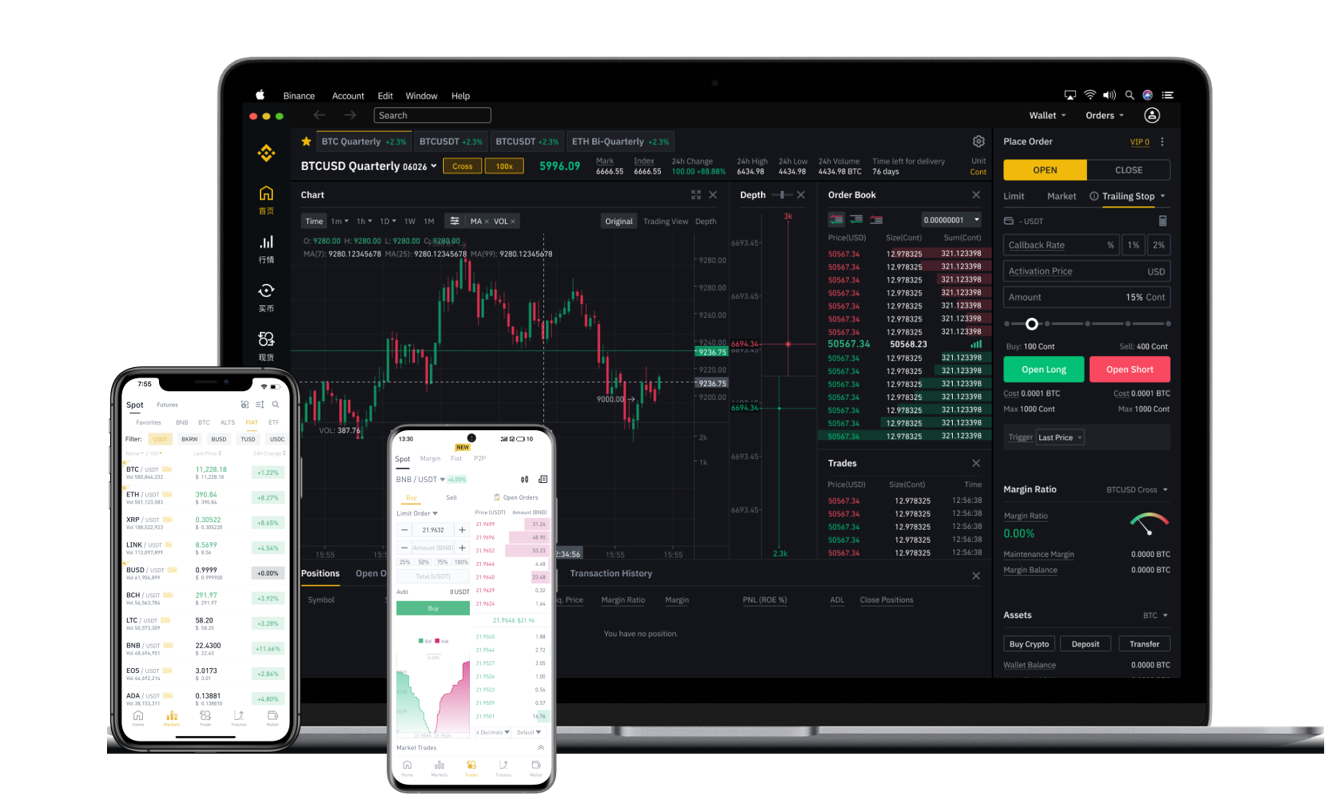
Log into your Binance account and navigate to the "Wallet" section, then click on "Fiat and Spot." Use the search bar to locate "GRIN" in your list of assets. Ensure you have a sufficient balance to cover both the withdrawal amount and the associated network fee. Note that Binance charges a fixed withdrawal fee for GRIN, which is subject to change, so always check the current fee displayed on the withdrawal page.
Step 2: Obtain Your External Grin Wallet Address
Before initiating a withdrawal, you must have a compatible Grin wallet. Grin is a Mimblewimble-based privacy coin, so you cannot send it to a standard Ethereum or Bitcoin address. Recommended wallets include the official Grin++ wallet, Ironbelly (mobile), or a hardware wallet like Ledger (with the Grin app installed). Open your chosen wallet and locate your receiving address. This is a long alphanumeric string, sometimes accompanied by a QR code. Important: Double-check that your wallet supports the Grin mainnet and not a testnet. Some wallets require you to "create a new address" after each transaction; if yours does, generate a fresh address for this withdrawal.
Step 3: Initiate the Withdrawal on Binance
Back on Binance, click the "Withdraw" button next to your GRIN balance. In the "Address" field, paste the Grin wallet address you obtained in Step 2. Carefully verify every character of the address—Mimblewimble addresses are case-sensitive and have no checksum, meaning a typo could result in permanent loss of funds. Next, enter the amount of GRIN you wish to withdraw. Binance will display the estimated network fee and the final amount you will receive. Select the "GRIN" network from the dropdown menu if prompted; do not choose any other network (such as BEP2 or ERC20), as Grin is only supported on its native chain.
Step 4: Complete Security Verification
Binance will require you to pass security checks before processing the withdrawal. This typically involves entering a 2FA code (from Google Authenticator or SMS) and confirming via email. For larger withdrawals, an additional device verification or whitelist check may be triggered. If you have enabled "Address Whitelisting," ensure the destination address has been added to your whitelist at least 24 hours prior to the withdrawal.
Step 5: Confirm the Transaction on the Grin Network
After submission, Binance will process the withdrawal. The transaction status will show as "Processing" initially. Unlike Bitcoin or Ethereum, Grin transactions use a "cut-through" method and do not have a traditional mempool. Instead, they are built and broadcast as a single transaction kernel. You can track the status using a Grin blockchain explorer (e.g., grin.tokenview.com or grin.blockscan.com) by searching for your transaction ID. Confirmation times vary, but most GRIN withdrawals from Binance complete within a few minutes to an hour.
Common Issues and Troubleshooting
- Delayed withdrawal: Binance occasionally holds withdrawals for manual review, especially for privacy coins. Contact Binance support if the status remains "Processing" for over 2 hours.
- Incorrect wallet type: Ensure your wallet is synced and fully updated. An outdated Grin++ wallet may reject transactions due to protocol changes.
- Missing funds: If the transaction shows as "Completed" on Binance but does not appear in your wallet, check the "Transactions" tab in your wallet after it fully syncs. Grin nodes require synchronizing the entire chain to display recent transactions. You may need to use a tool like `grin-wallet check` to rescan for outputs.
Security Best Practices
Always test with a small withdrawal first before transferring a large amount. Never share your private keys or recovery phrase. Since Grin is a privacy-focused coin, some exchanges and custodial services treat it with stricter compliance procedures. Ensure you understand your local regulations regarding the withdrawal and use of such assets. By following these steps carefully, you can successfully withdraw your GRIN from Binance and hold it in your own custody.